Email alerts
Checked against the app on November 15, 2026
Choose who Adorn emails when your store needs attention, and see what each alert email is about.
Email alerts
Email alerts, on the Team & roles page in Settings, sets who Adorn emails when your store needs attention, such as a failed sync or reaching its product limit.
If Adorn has paused alert emails for every store, the card says so, and nothing is sent until they start again.
Who gets alerts
Who can do this: Owners only.
- Under Add an address, type an email address and press Add address.
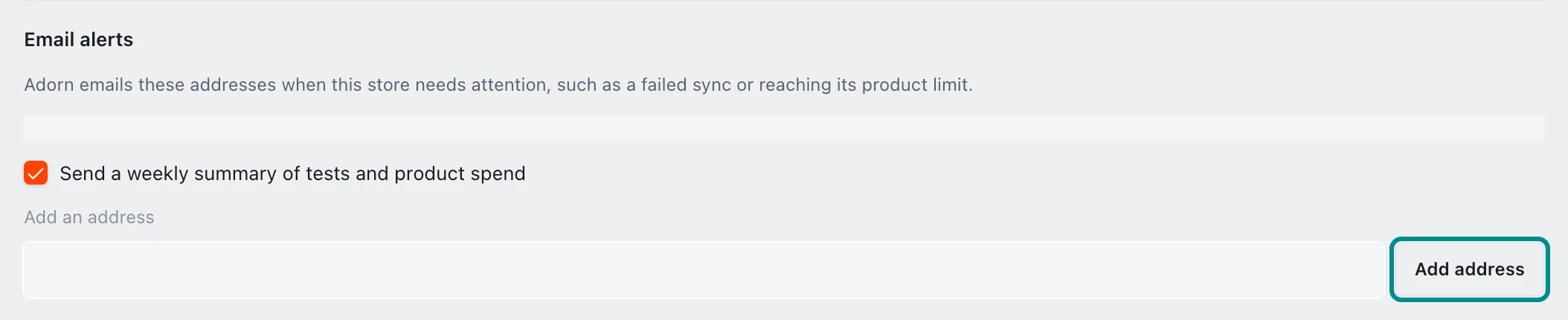
The button works once you have typed an address.
Remove beside an address stops emailing it. When the list is full, the card says so, and you remove an address to add another.
While no address is listed, alerts go to your store's owners. A store with no owner has its alerts sent to the Adorn team.
Send a weekly summary of tests and product spend turns the weekly summary email on or off. It is on until an owner turns it off, and it never stops your alert emails. If your plan ends, the summary stops until you choose a plan again.
The alert emails
Each alert email's subject starts with your store's name, then says what happened:
- Products stopped syncing, when a product source could not be read on the last sync. A second email says products are syncing again once it reads.
- Product limit reached, when new products were not added to your feed because of your plan's product limit.
- Problems with your product data, one email listing problems such as products with no price or no usable image.
- Some ads are showing plain product photos, when some products show their own photo instead of your design.
- Some designs could not be made, when Adorn could not make the design for some of your products.
- AI image limit reached, when products are waiting for an AI image because your store reached its AI image limit for the period.
- AI scene allowance used, when products you chose did not get a new scene because your store used its full scene allowance.
- Unusually high AI usage, when your store has used AI far more times than it has products.
Each email ends with its problem's code and a link to what it means and how to fix it. On a Monday when there is something to report, and while your store has a plan, Adorn also sends the same addresses a weekly summary of your tests and product spend, which carries no code.